Your own SMS gateway.
Plug a SIM800C USB modem into a Raspberry Pi and start one container. Read and send SMS in the browser, over a REST API, through webhooks or from Home Assistant.
Plug a SIM800C USB modem into a Raspberry Pi and start one container. Read and send SMS in the browser, over a REST API, through webhooks or from Home Assistant.
Login codes, alarm texts, delivery notices: whatever arrives on the SIM lands where your tools can reach it.
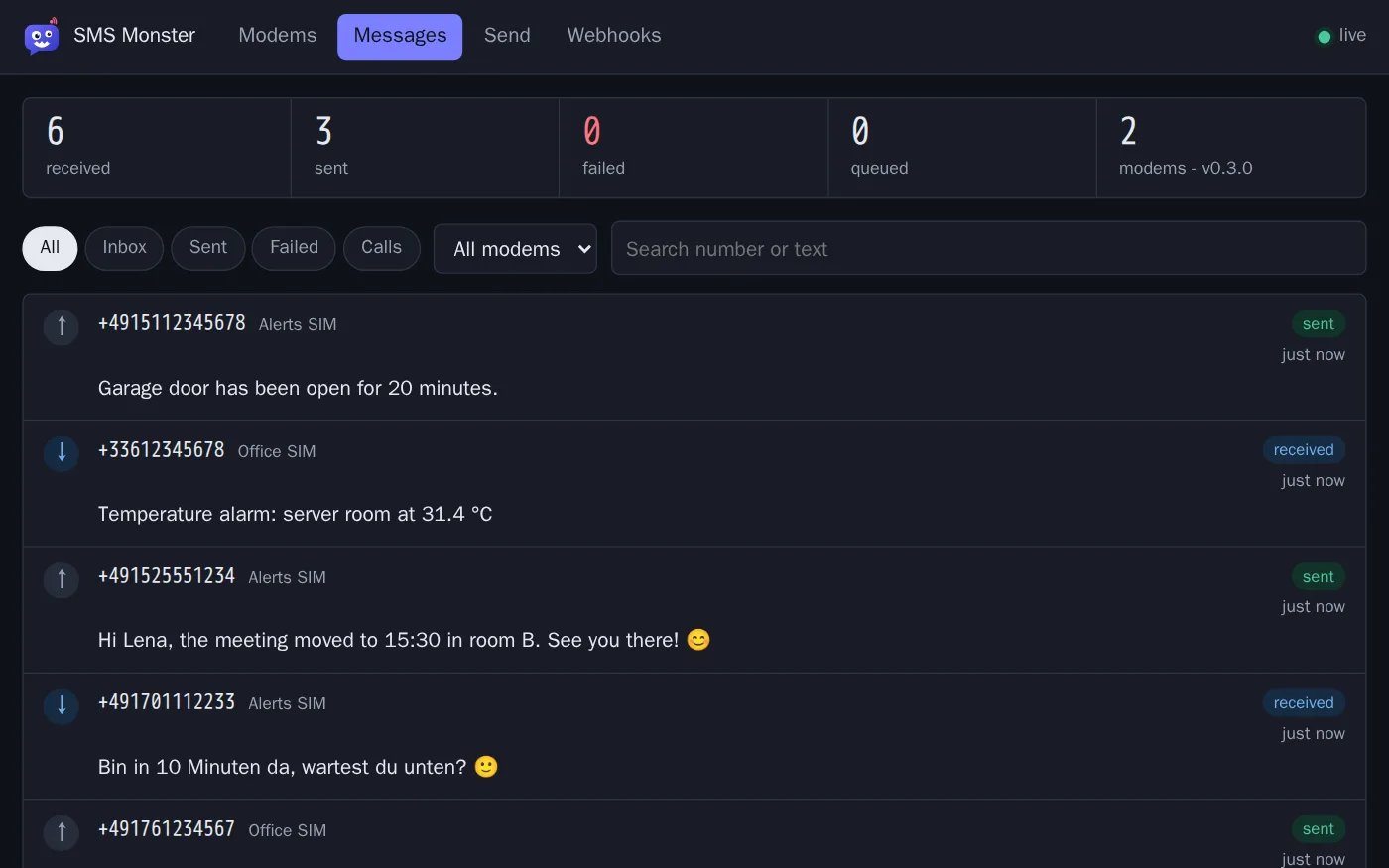
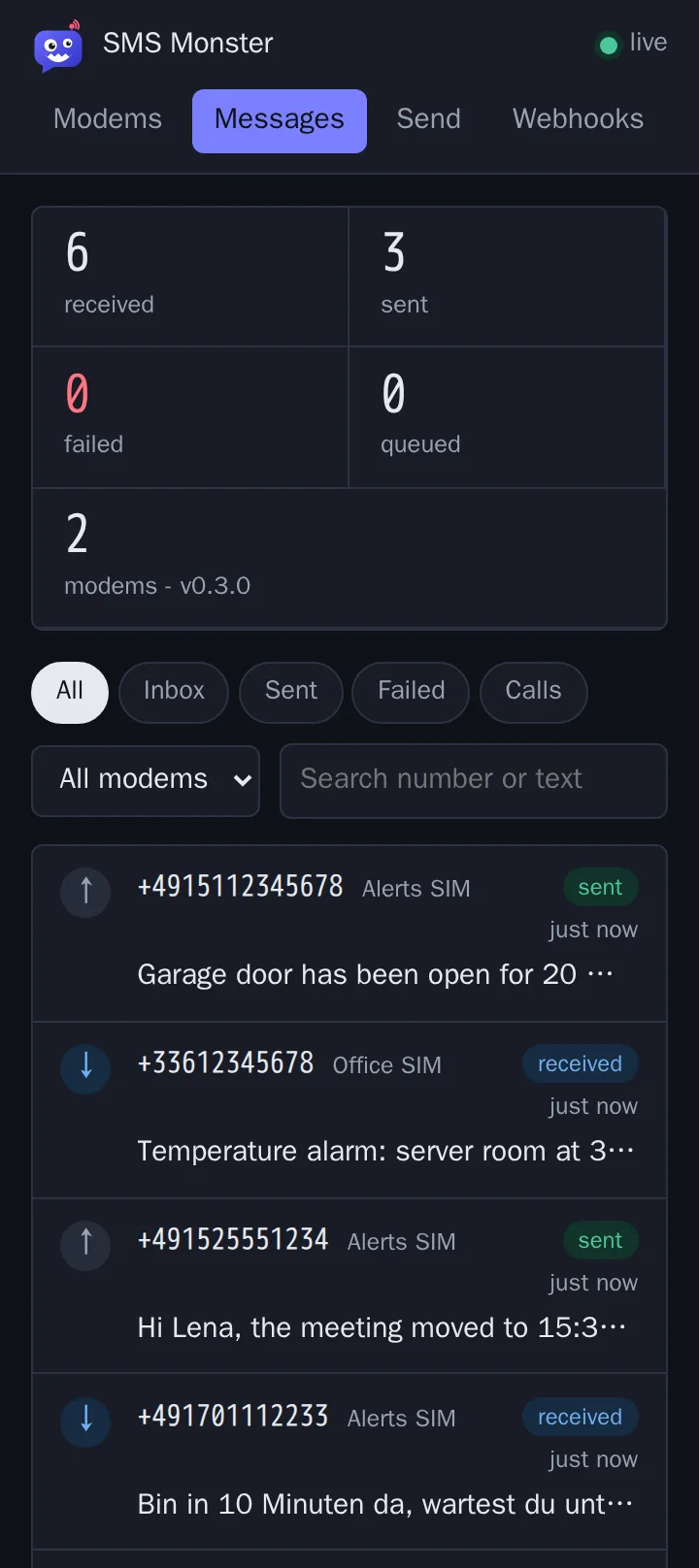
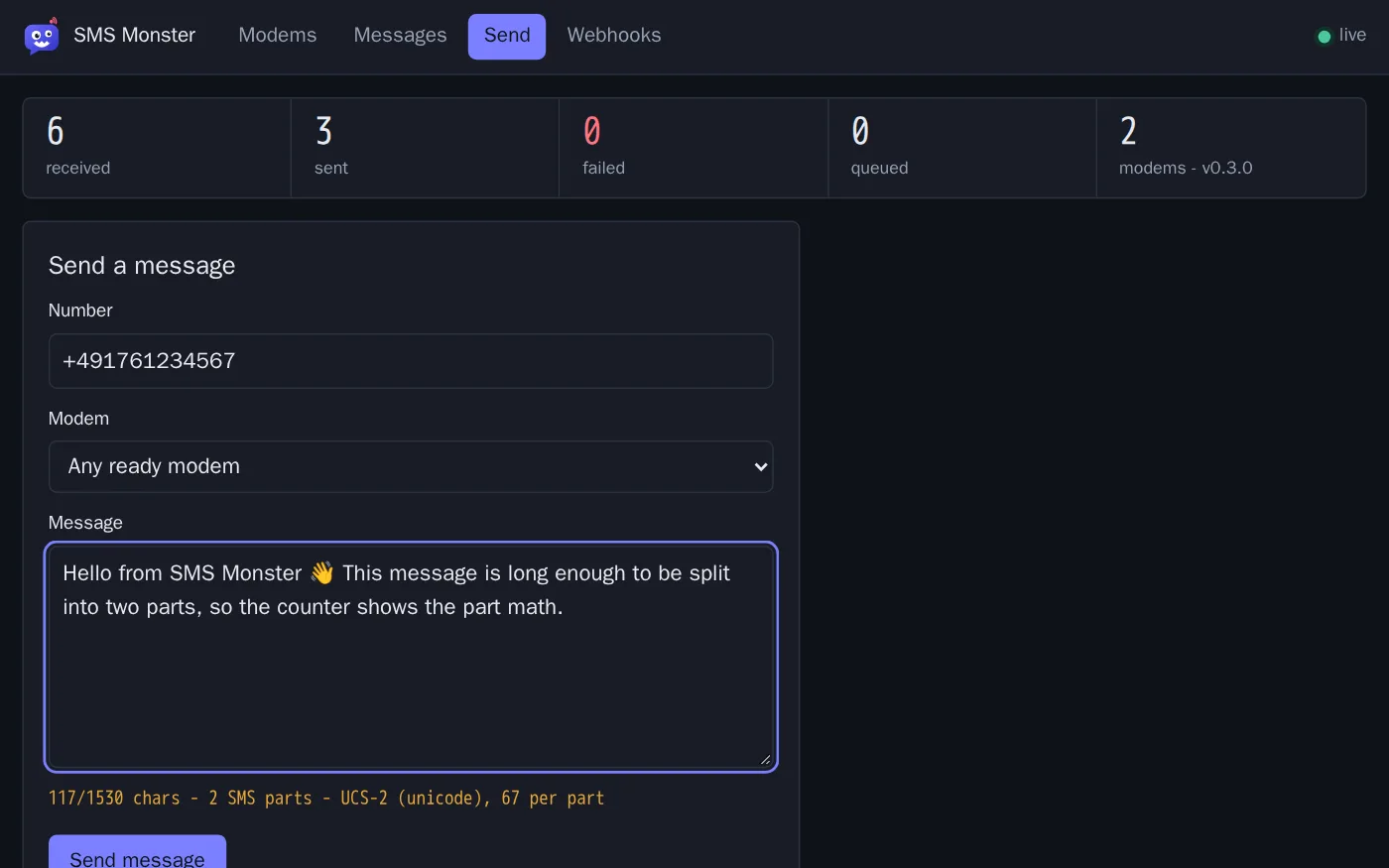
Read, send and search SMS across all modems in one place. New messages appear as they arrive, without a reload.
Send a message with one JSON request and read everything the UI shows. Set a token and every call has to carry it.
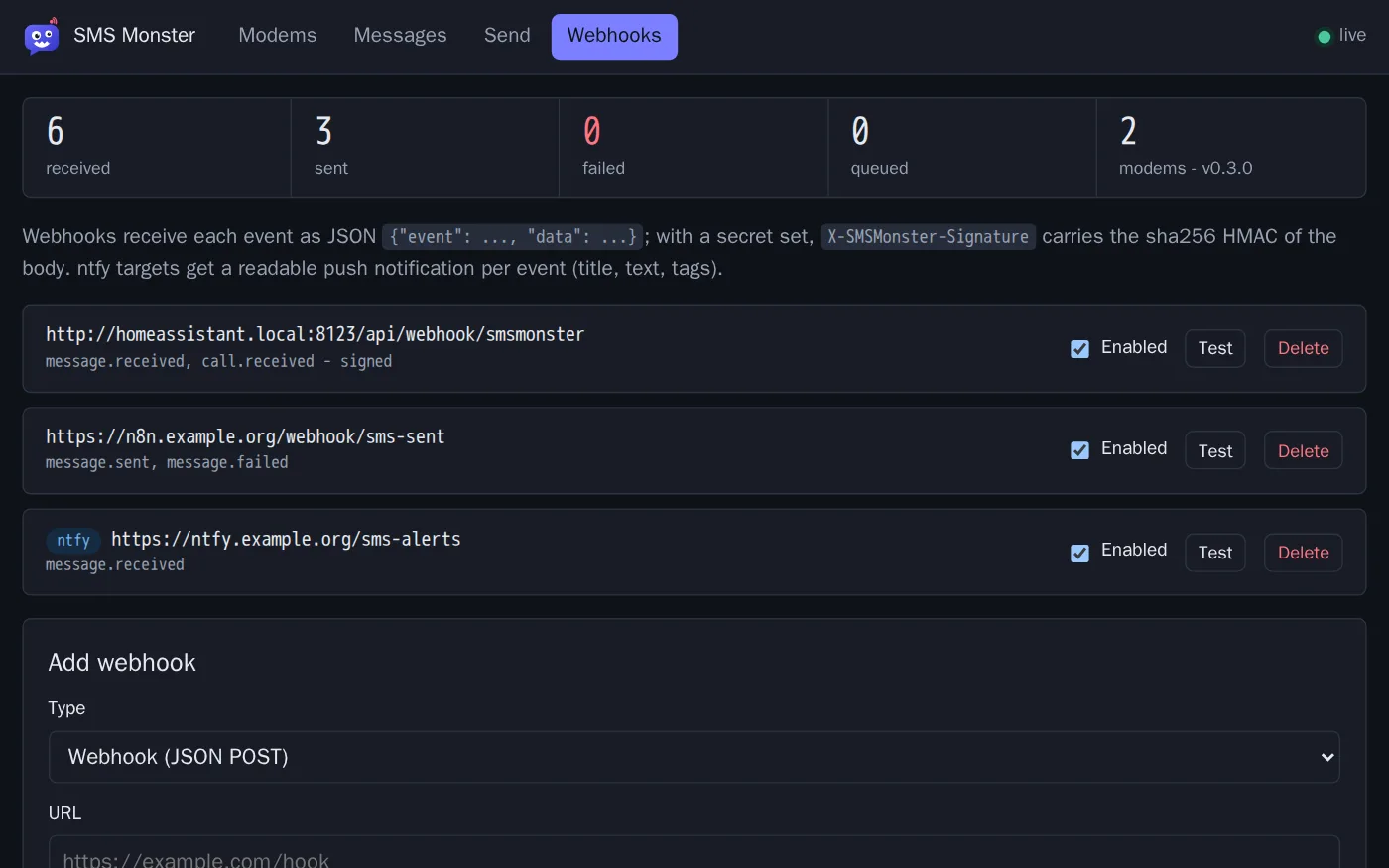
Incoming SMS, sent and failed messages, calls and modem status go to your webhooks as HMAC-signed JSON, or to an ntfy topic as a push notification.
Install it as an add-on with the UI in the sidebar. Modems, counters and the latest messages become sensors, and every SMS and call fires an event for your automations.
Full PDU mode with GSM-7 and Unicode, emoji included. Long messages are split and joined in both directions, and alphanumeric senders show up by name.
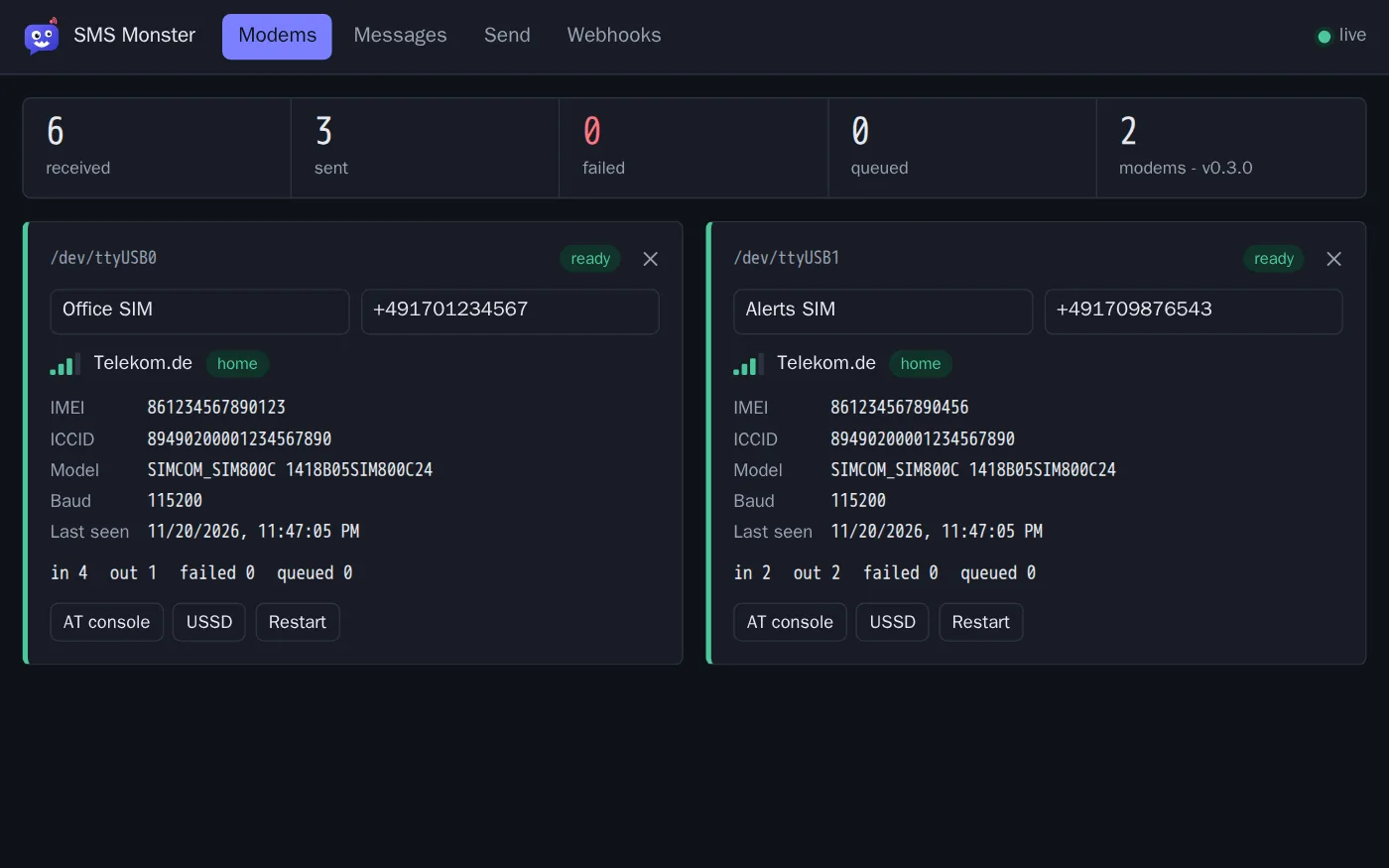
Run as many modems as you have USB ports. A modem is found when you plug it in and reconnected after a power dip.
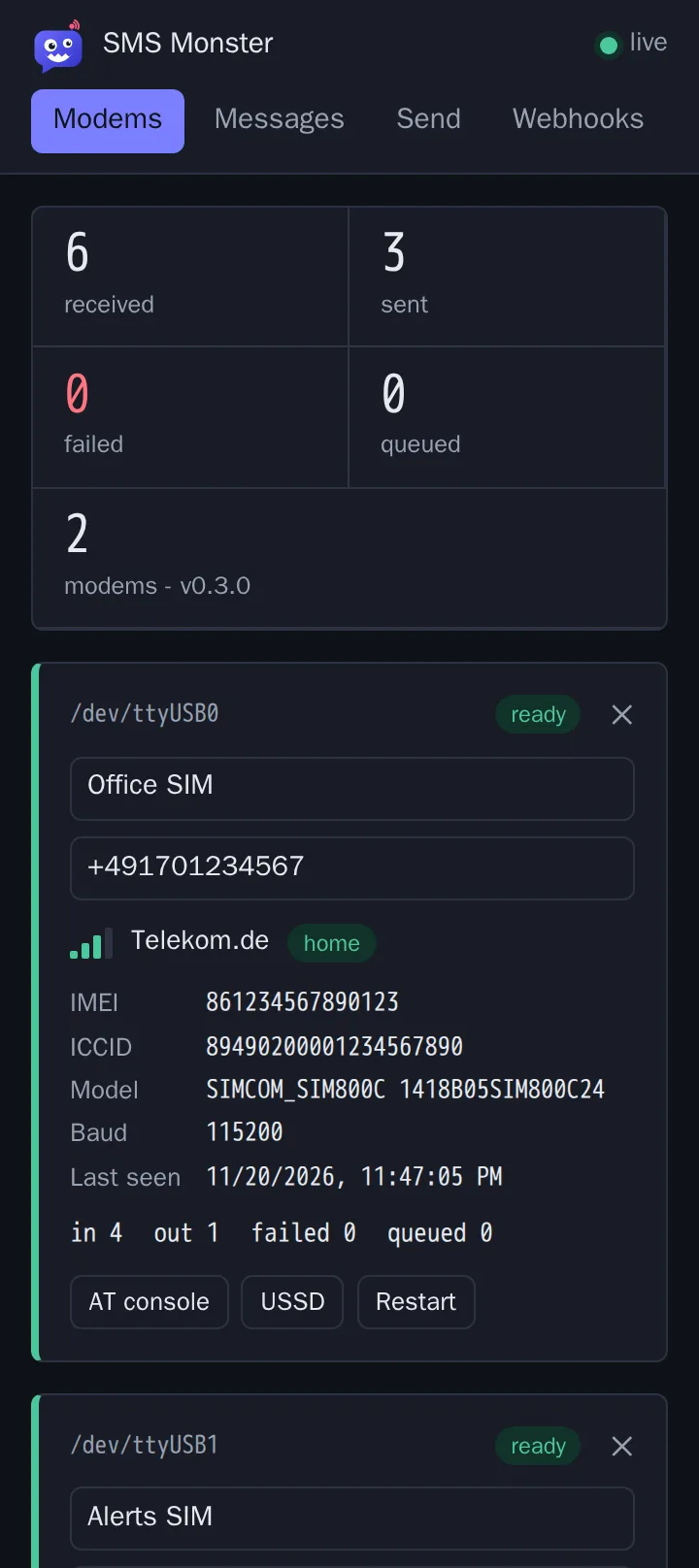
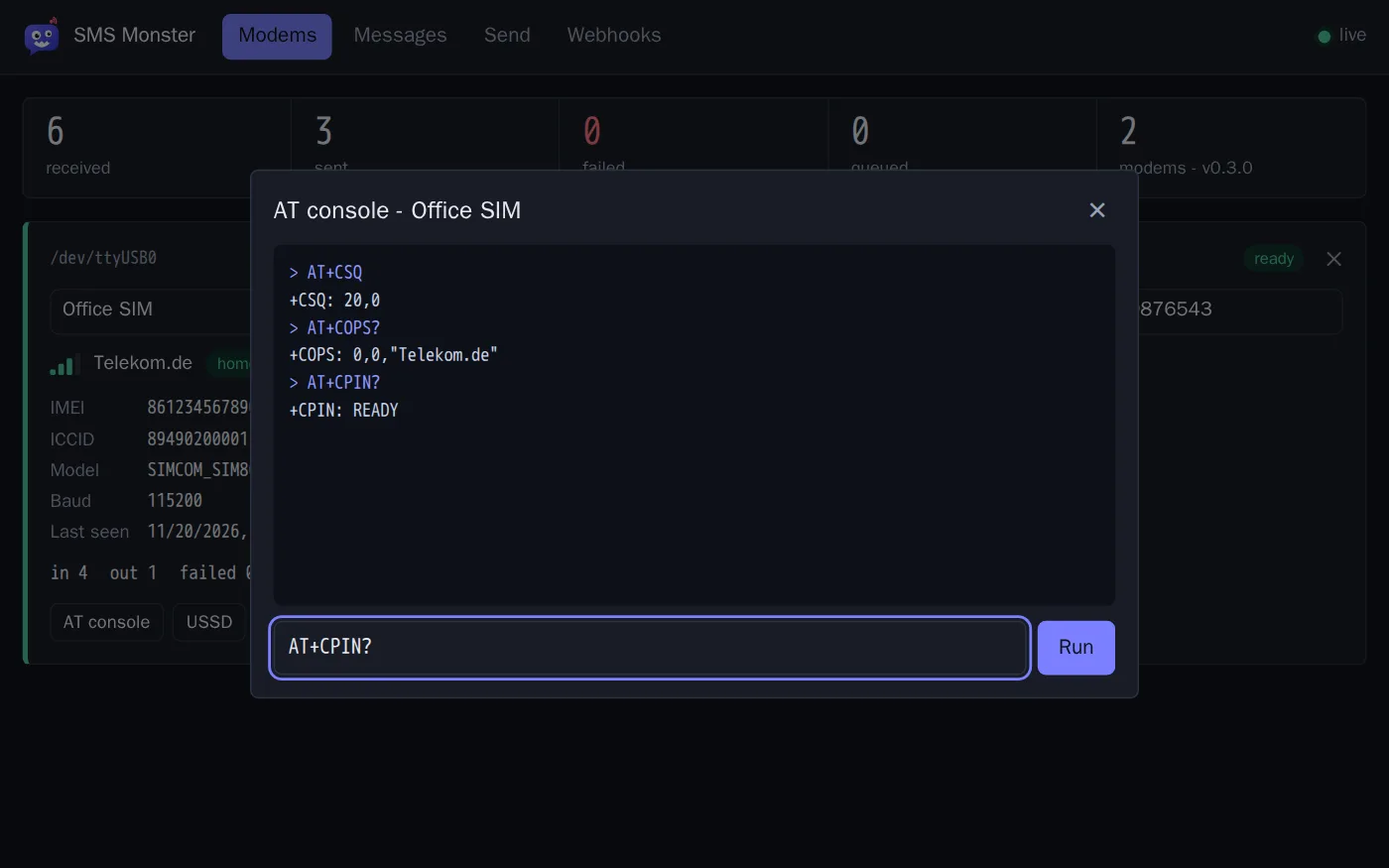
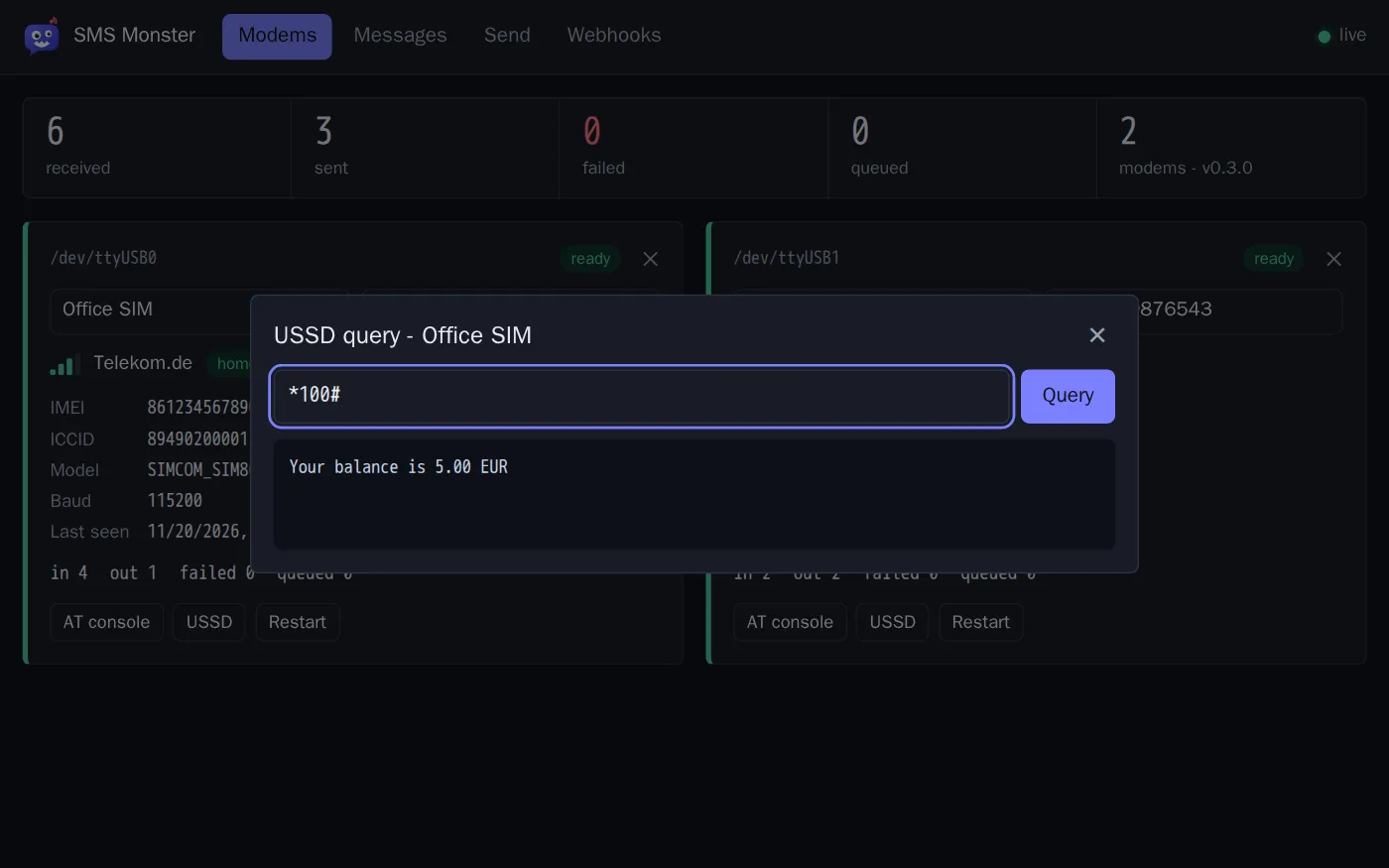
Signal, operator, registration and SIM details per modem. Ask for your prepaid balance with a USSD code, or talk to the modem in a raw AT console.
Pure Python with no compiled parts, so the same container builds on armv7, arm64 and amd64. A Raspberry Pi is plenty.
No cloud and no account. Messages are stored in a SQLite file on your own machine, and SMS Monster contacts only the targets you configure.
The same UI adapts to small screens and follows the light or dark mode of your system.
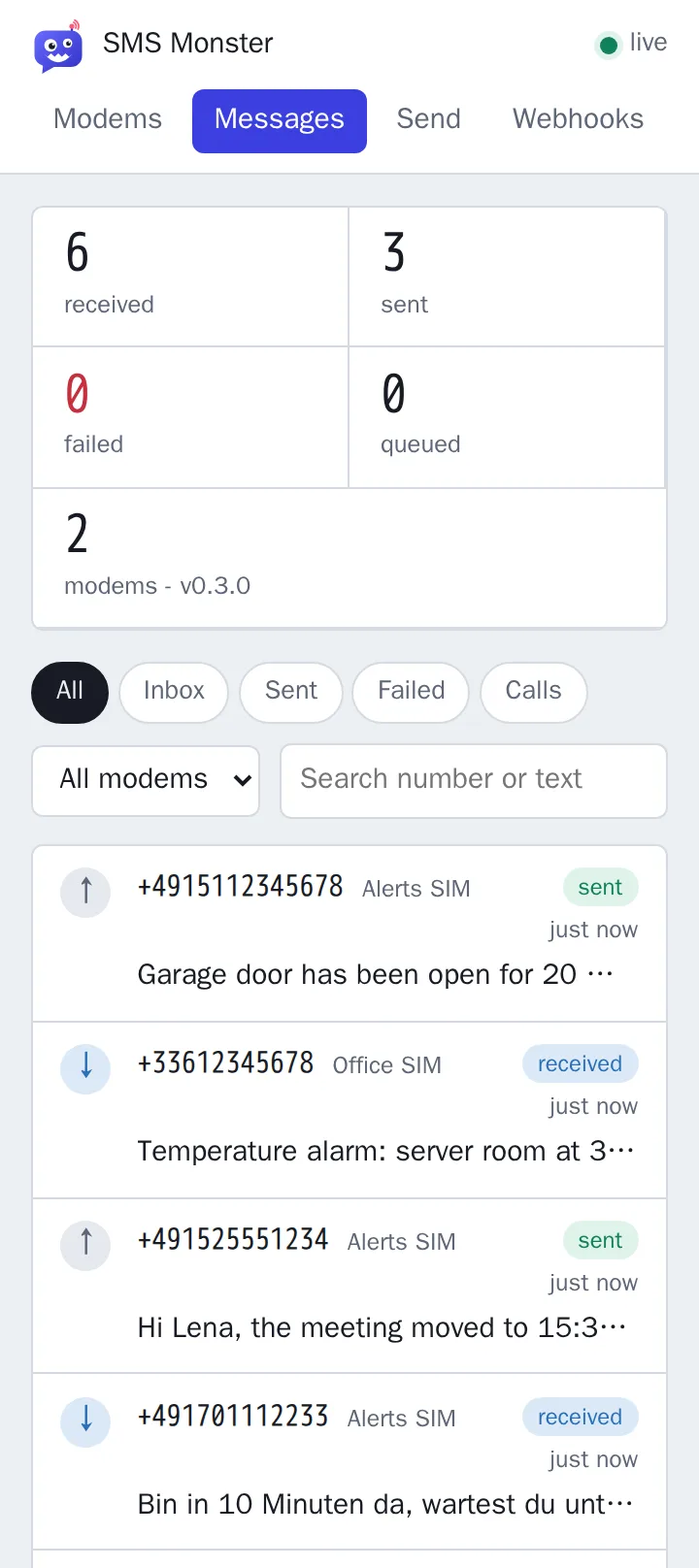
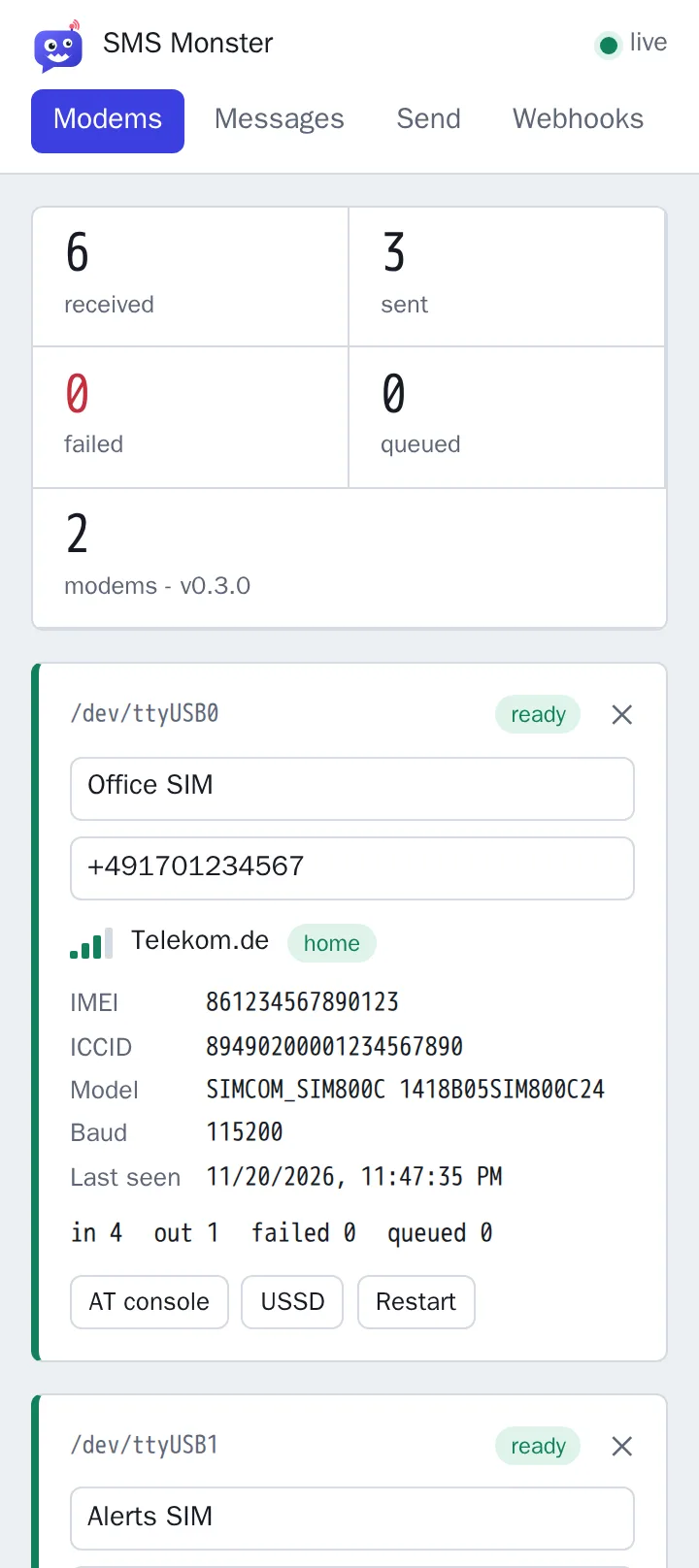
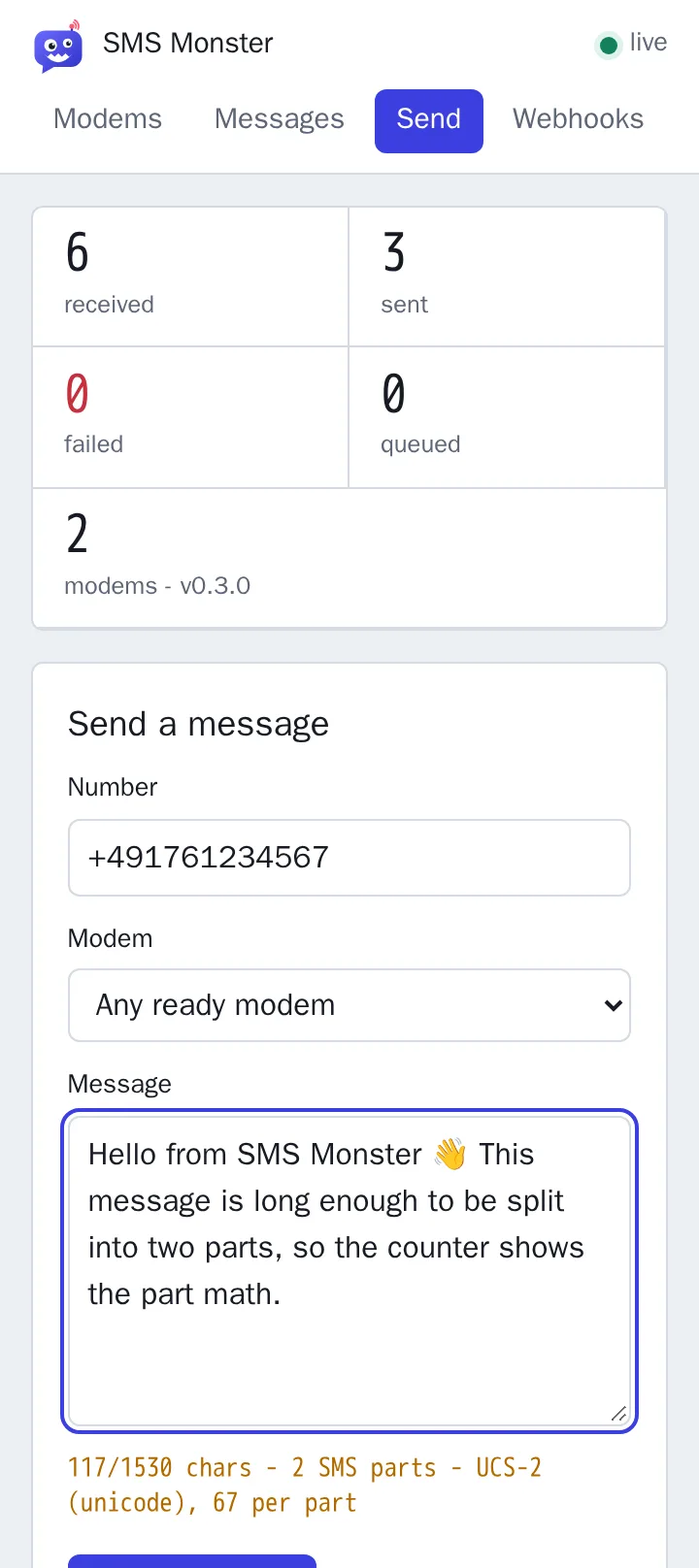
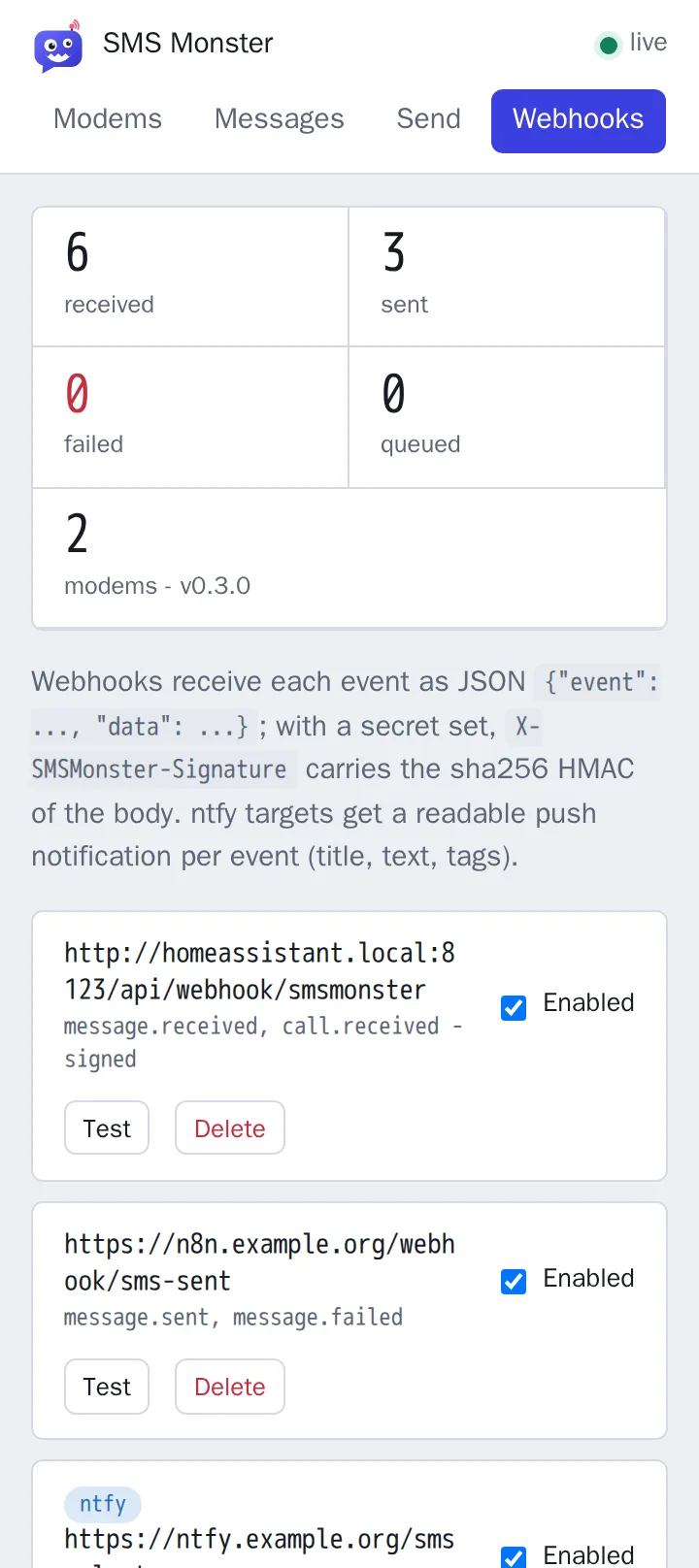
Shown with the built-in demo: two simulated modems and no hardware.
Add the repository to Home Assistant on a 64-bit system, or start the container with Docker Compose on any Linux machine. You need a SIM800C USB modem and a SIM card.